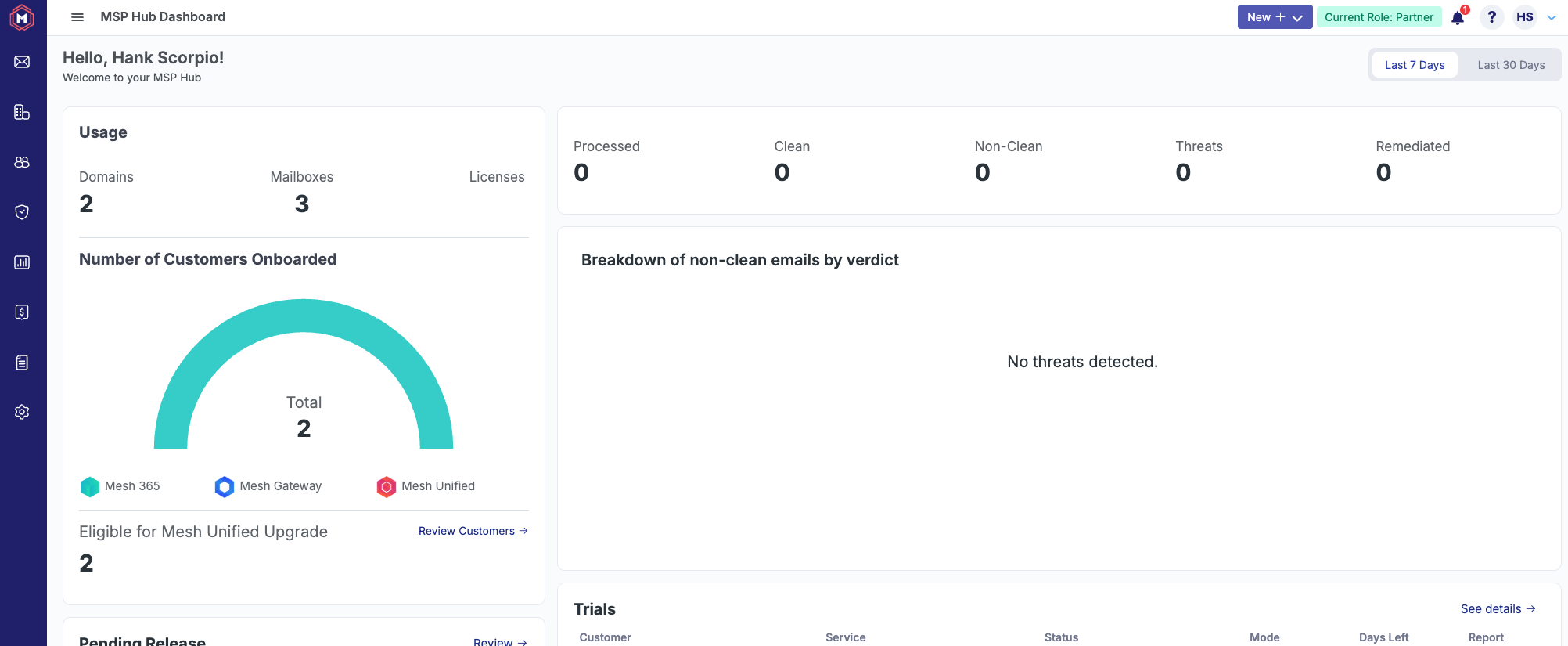

Users with Bitdefender GravityZone accounts can now login using Single Sign On (SSO) with GravityZone. This can be achieved with the below process.
Please note that you must have a Partner or Customer account on both Mesh and GravityZone in order to use this feature.
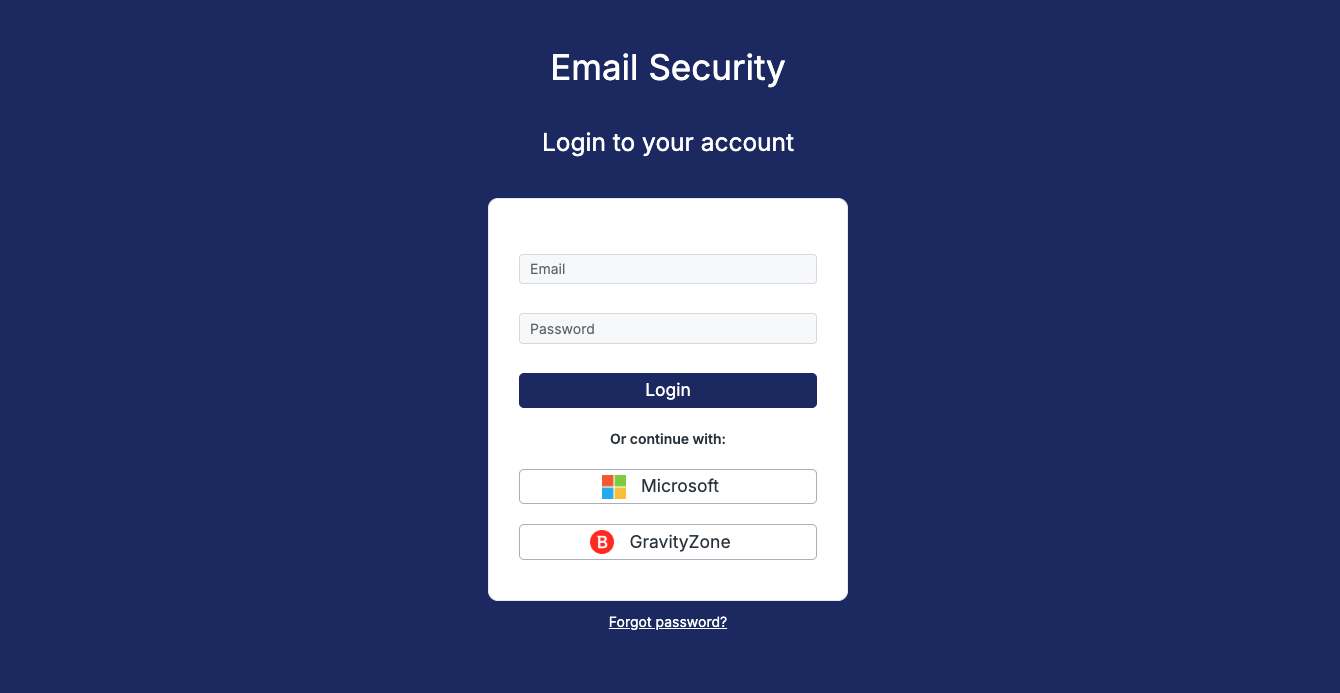
Step 1: Navigate to the Login page
Navigate to the login page for your region and click on GravityZone button.
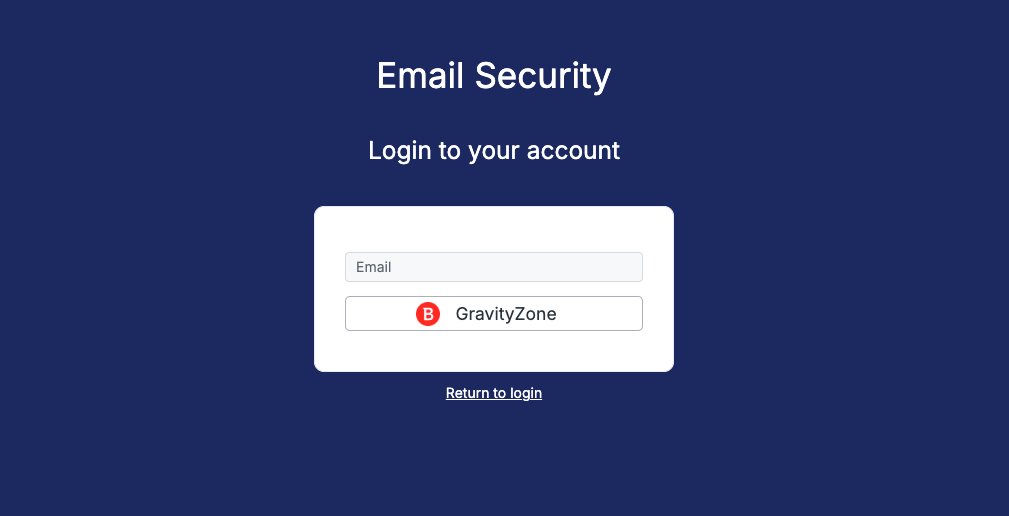
This will open a separate view where you need to enter your GravityZone username (email address). Click on the GravityZone button again.
Step 2: GravityZone Authentication
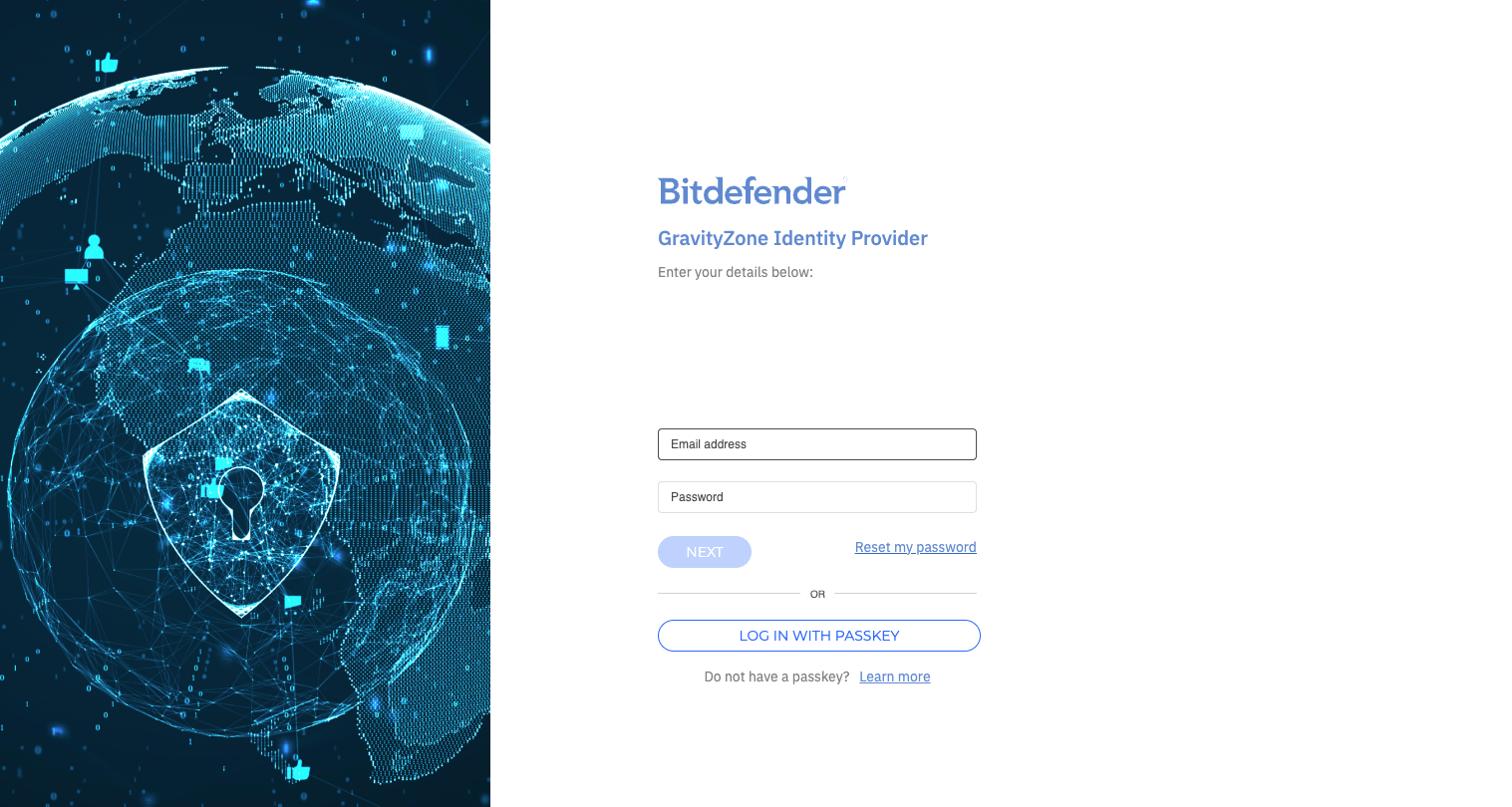
Once the system verifies your address, you will be redirected to the GravityZone Identity Provider page where you can enter your credentials.
Step 3: Mesh Hub Redirection
Once successfully authenticated against the GravityZone Identity Provider, you will be redirected back to the Mesh Hub.