

Policy Templates can be updated and applied to existing customers in real time.
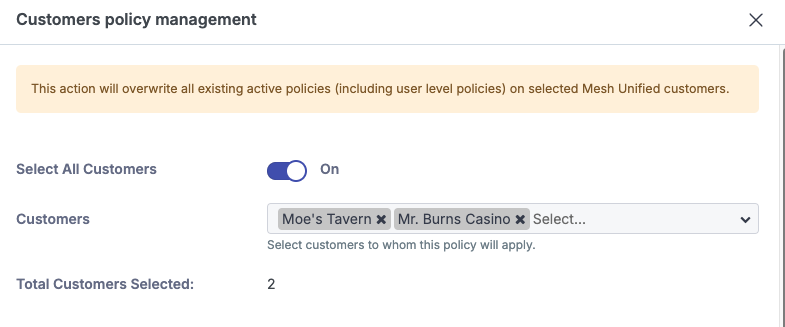
When applying global policies to existing customers, the action will overwrite all existing active policies (including user-level policies) for the selected customers.
Step 1: Navigate to Policy page
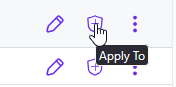
Click the shield icon for the template you want to apply to customers.
Step 2: Select Customers
Select one or more customers, or enable the “Select all Customers” slider to auto-select all eligible customers.
Step 3: Select Apply
Click “Apply” to confirm and push the policy to the selected customers.