

Tickets can be created and responded to directly in the Hub which allows team members to open tickets at ease. To create a new ticket, complete the following steps.
Step 1: Navigate to “Tickets” page
Navigate to the "Tickets" page on the sidebar.
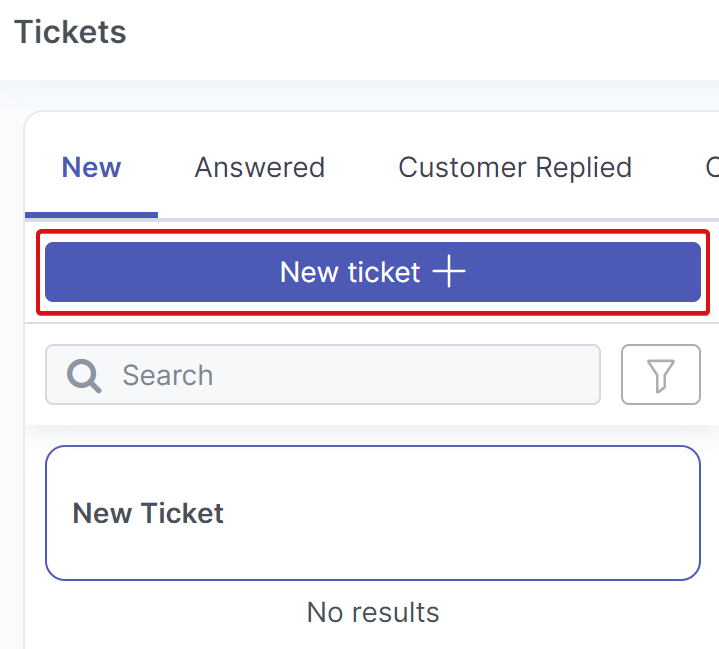
Step 2: Select “New ticket+”
Click "New ticket+" located in the top left corner of the page.
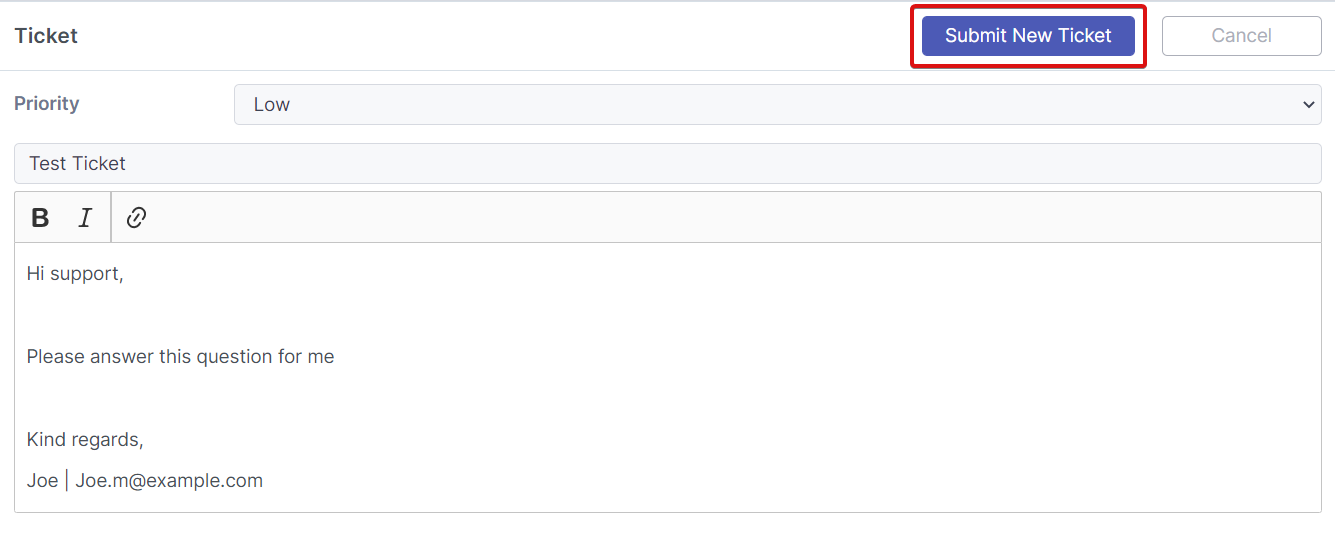
Step 3: Choose priority
Select the "Priority" from the dropdown menu.
Step 4: Enter subject line
Fill in a related and informative subject line.
Step 5: Describing your query
Enter the details of the query into the large text box. Please include your name and email address.
Step 6: Submit your ticket
Press "Submit New Ticket" in the top right once everything has been filled in. Please include as much information as possible relating to the problem as it will help speed up the resolution time.
Note: Attachments/images are currently not supported when creating tickets using the Hub. If an attachment or image is required, please send an email to support@meshsecurity.io.