
Export Rules
Allow, block, and custom rules can be exported to a CSV or JSON file. Here are the steps to complete an export.

The export saves your search results, allowing you to specify what you want to appear in the file.
Step 1: Navigate to the "Policy"
Navigate to the "Policy" page in the sidebar.
Step 2: Select Allow/Block Rule
Select the "Allow" or the "Block" tab and complete search.
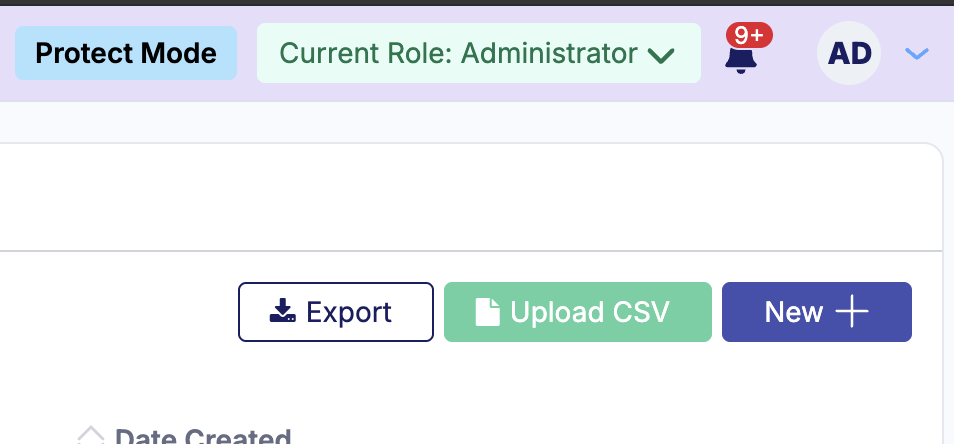
Step 3: Click Export
Click the export button.
Step 4: Select Format + Include Allow/Block
Select a format and if you would like to include the allow or block rules.
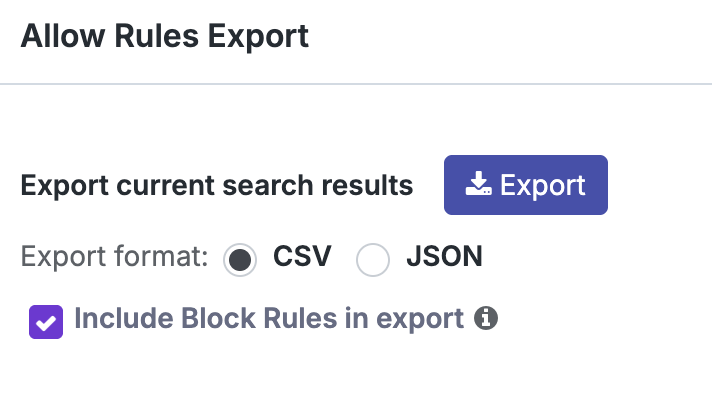
Step 5 : Download
Once complete, click the icon to begin the file download.
